 Join our Discord
# 🗄️ AndreStorageLockers | Purchasable PIN-Protected Storage Lockers | QBCore
> A fully featured purchasable storage locker system with PIN code protection. Admins place and configure lockers in-world via a live placement tool. Players buy, PIN-protect, and access their own persistent storage — no job required.
---
## ✨ Features
-
🛒 **Purchasable Lockers** — Players buy unclaimed lockers directly in-world for a configurable price.
-
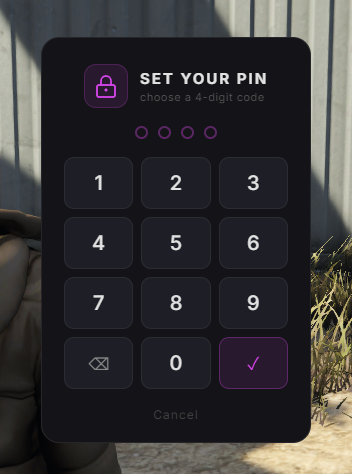
🔢 **PIN Code Protection** — After purchase, players set a 4-digit PIN. Required every time they open their locker.
-
🔄 **Change PIN** — Players can update their PIN at any time from the locker menu.
-
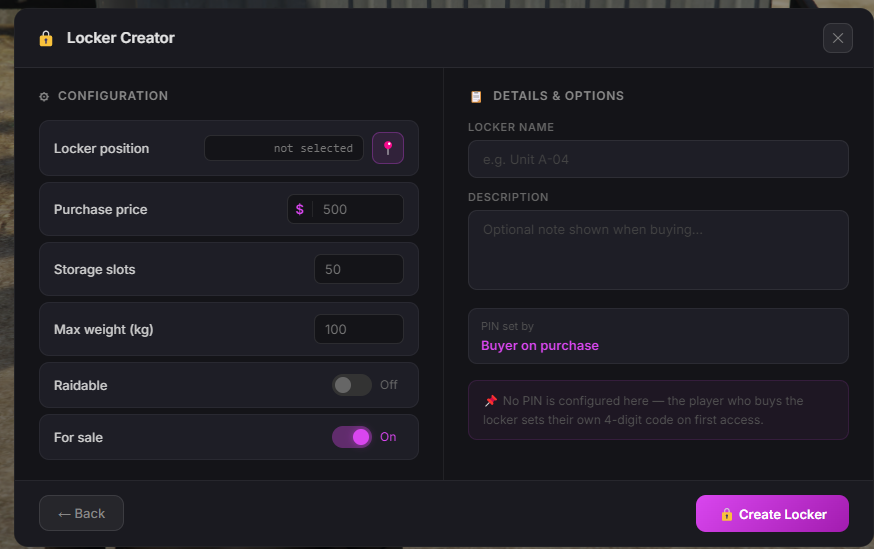
📍 **Live In-World Placement** — Admins use `/createlocker` to open a panel, configure the locker, and place it via a crosshair raycast marker. Live immediately — no restart needed.
-
⚙️ **Per-Locker Configuration** — Each locker has its own name, price, slot count, max weight, raidable toggle, and for-sale toggle — all set at placement time.
-
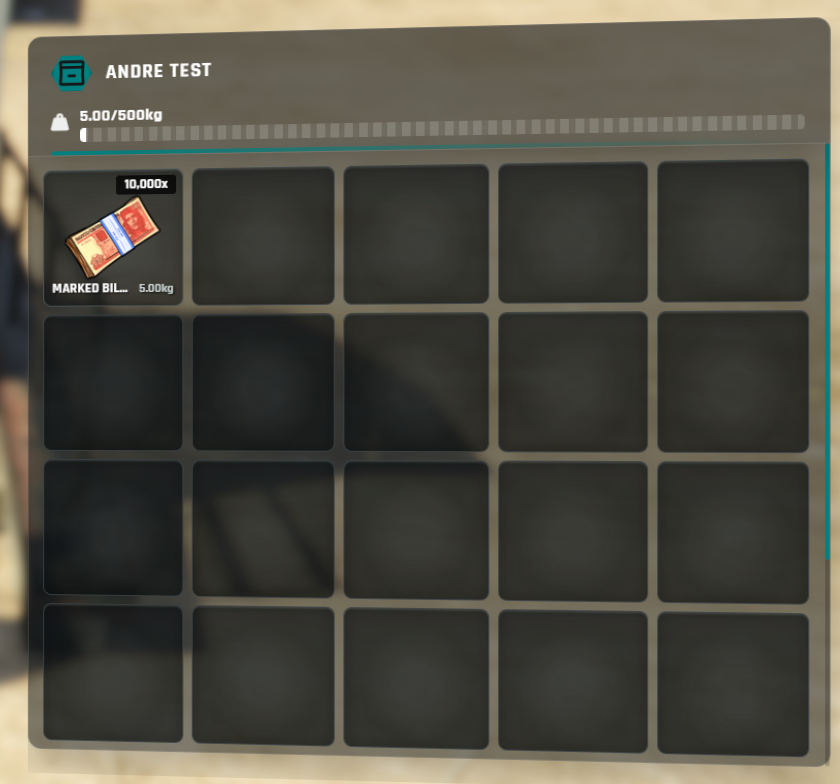
🗄️ **ox_inventory Stash Storage** — Persistent storage per player. Items save between sessions.
-
🎯 **ox_target Interaction** — Clean third-eye interaction to buy, open, or change PIN.
-
🛠️ **Admin Commands** — `/createlocker`, `/deletelocker`, `/reloadlockers`
-
🔔 **Notification Support** — Compatible with `ox_lib`, `qb-notify`, and `esx_notify`.
-
⚙️ **Simple Config** — Interaction distance, slot defaults, admin groups, and notification style all in one `config.lua`.
---
## 📋 Requirements
| Dependency | Notes |
|---|---|
| `qb-core` | Core framework |
| `oxmysql` | Database |
| `ox_lib` | UI, zones, notifications |
| `ox_target` | Third-eye interaction |
| `ox_inventory` | Locker stash storage |
---
## 📦 Installation
1. Drop `AndreStorageLockers` into your `resources` folder
2. Run `andre_storage_lockers.sql` in your database (or let the resource auto-create tables on first start)
3. Add to `server.cfg`:
```
add_ace qbcore.admin AndreStorageLockers.admin allow
ensure oxmysql
ensure ox_lib
ensure ox_target
ensure ox_inventory
ensure qb-core
ensure AndreStorageLockers
```
4. Configure `config.lua` to your liking
5. Use `/createlocker` in-game to place and configure lockers
---
## 💬 Support
Join our Discord for installation help: Click here > Discord
---
*Escrowed resource — core logic is protected. `config.lua` remains fully open for customisation.*